
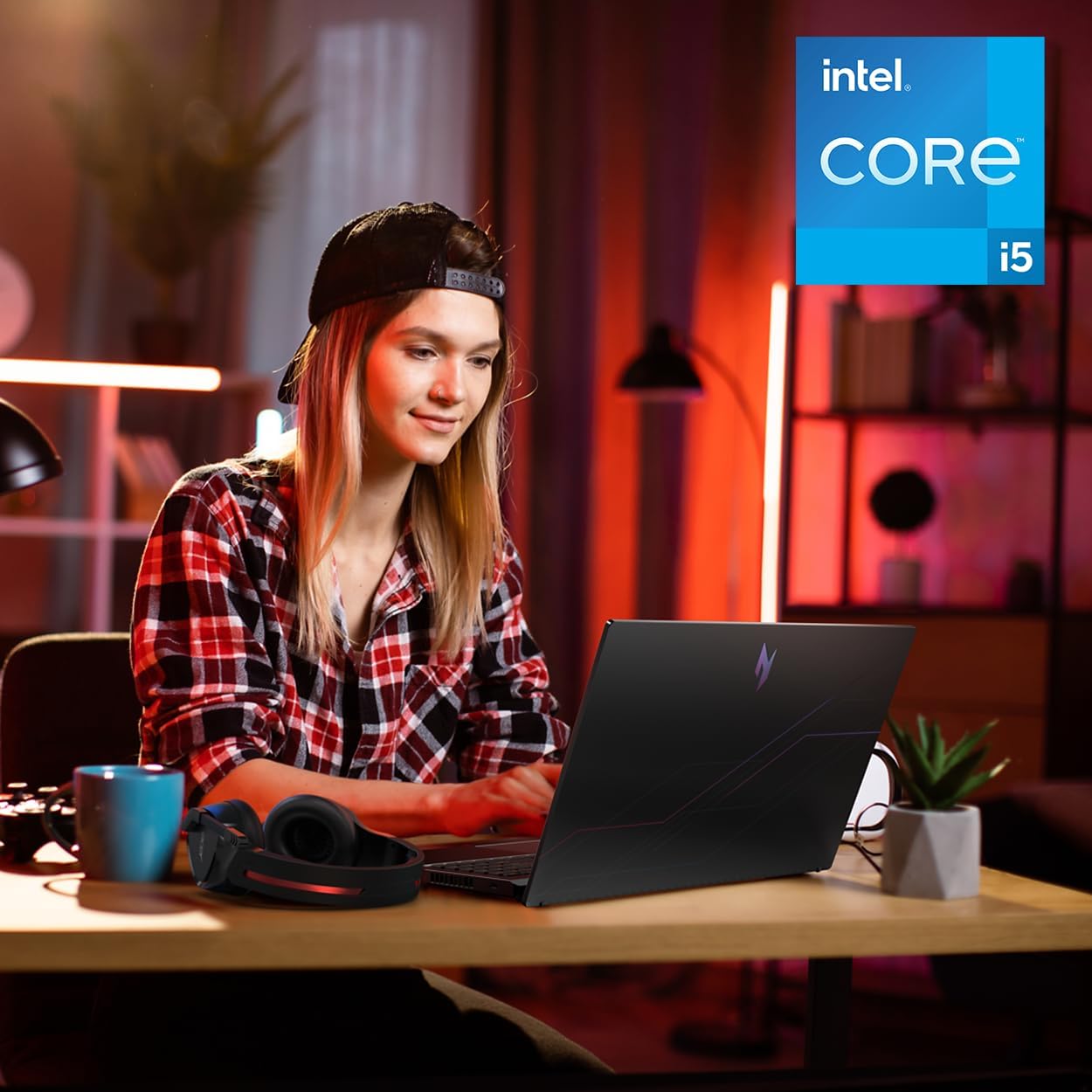


acer Nitro V Gaming Laptop | Intel Core i5-13420H Processor | NVIDIA GeForce RTX 4050 Laptop GPU | 15.6" FHD IPS 165Hz Display | 8GB DDR5 | 512GB Gen 4 SSD | Wi-Fi 6 | Backlit KB | ANV15-52-586Z
This is an affiliate link. Buyyyah may earn a commission if you buy through it, at no extra cost to you.
Description
- Beyond Performance: The Intel Core i5-13420H processor goes beyond performance to let your PC do even more at once. With a first-of-its-kind design, you get the performance you need to play, record and stream games with high FPS and effortlessly switch to heavy multitasking workloads like video, music and photo editing. - AI-Powered Graphics: The state-of-the-art GeForce RTX 4050 graphics (194 AI TOPS) provide stunning visuals and exceptional performance. DLSS 3.5 enhances ray tracing quality using AI, elevating your gaming experience with increased beauty, immersion, and realism. - Visual Excellence: See your digital conquests unfold in vibrant Full HD on a 15.6" screen, perfectly timed at a quick 165Hz refresh rate and a wide 16:9 aspect ratio providing 82.64% screen-to-body ratio. Now you can land those reflexive shots with pinpoint accuracy and minimal ghosting. It's like having a portal to the gaming universe right on your lap. - Internal Specifications: 8GB DDR5 Memory (2 DDR5 Slots Total, Maximum 32GB); 512GB PCIe Gen 4 SSD - Stay Connected: Your gaming sanctuary is wherever you are. On the couch? Settle in with fast and stable Wi-Fi 6. Gaming cafe? Get an edge online with Killer Ethernet E2600 Gigabit Ethernet. No matter your location, Nitro V 15 ensures you're always in the driver's seat. With the powerful Thunderbolt 4 port, you have the trifecta of power charging and data transfer with bidirectional movement and video display in one interface.
Details
Physical
- Color
- Black
- Form Factor
- Clamshell
- Item Weight
- 4.7 Pounds
- Item Dimensions L x W x Thickness
- 14.26"L x 0.93"W x 9.44"Th
Display
- Screen Size
- 15.6 Inches
- Resolution
- 1080p
- Native Resolution
- 1920 x 1080 pixels
- Display Type
- LCD
- Display Resolution Maximum
- 1920x1080
- Display Technology
- LCD
- Maximum Display Brightness
- 300 Nit
- Has Color Screen
- Yes
- Screen Finish
- Matte
Battery
- Battery Cell Type
- Lithium Ion
- Lithium-Battery Energy Content
- 57 Watt Hours
Ports & Slots
- Total Usb Ports
- 4
- Number of Ports
- 7
- Number of Ethernet Ports
- 1
- Total Thunderbolt Ports
- 1
- Total Number of HDMI Ports
- 1
Processor
- Processor Series
- Core i5
- Processor Speed
- 2.1 GHz
- Processor Count
- 8
- Processor Brand
- Intel
- CPU Model Number
- i5-13420H
- CPU Model Generation
- 13th Generation
- CPU Model Speed Maximum
- 4.6 GHz
Item Details
- Brand
- Acer
- Model Name
- Nitro V
- Model Year
- 2025
- Model Number
- ANV15-52-586Z
- Built-In Media
- 135W AC Adapter, Laptop, Power Cord, Protective Sleeve
- Manufacturer
- Acer
- Warranty Description
- One-year International Travelers Limited Warranty (ITW)
Memory
- RAM Memory Installed
- 8 GB
- RAM Memory Technology
- DDR5
- Ram Memory Maximum Size
- 32 GB
- RAM Type
- DDR5 RAM
Connectivity
- Connectivity Technology
- Bluetooth, Ethernet, HDMI, USB, Wi-Fi
- Wireless Technology
- Bluetooth, Wi-Fi
- Wireless Compability
- 802.11ax, Bluetooth
- Bluetooth support?
- Yes
- Wi-Fi Generation
- Wi-Fi 6
Input Devices
- Human-Interface Input
- Touch Pad
- Keyboard Description
- Backlit
- Keyboard Layout
- QWERTY
Other
- Hard-Drive Size
- 512 GB
- Operating System
- Windows 11 Home
- Other Special Features of the Product
- Backlit Keyboard, Numeric Keypad
- Graphics Description
- Dedicated
- Graphics Coprocessor
- NVIDIA GeForce RTX 4050
- Hard Disk Description
- SSD
- Video Processor
- NVIDIA
- Specific Uses For Product
- Business, Gaming, Student
- Webcam Capability
- No
- Graphics Card Ram
- 6 GB
- Graphics Ram Type
- GDDR6
- Compatible Devices
- External displays, mice, keyboards, storage devices, printers, and other accessories via USB, HDMI, Thunderbolt, Bluetooth, or Wi-Fi
- Warranty Type
- Limited, International
- Optical Storage Device
- No Optical Drive
- Video Output
- HDMI
Frequently asked questions
- Is this laptop good for gaming?
- Yes, it has a dedicated NVIDIA GeForce RTX 4050 graphics card (6 GB GDDR6) with AI-powered features like DLSS 3.5, and a 165Hz 15.6" FHD display, making it a strong choice for gaming.
- How much RAM and storage does it have?
- It comes with 8GB of DDR5 RAM (upgradable to 32GB) and a 512GB PCIe Gen 4 SSD for storage.
- Does it include a warranty?
- Yes, it includes a one-year International Travelers Limited Warranty (ITW) from the manufacturer.
Customer reviews

It's good, but it could be better
I've been using this computer for a while now, it works very well, but there are times when it stutters, the FPS drops to 0, which usually takes less than 1 second, but it's still very annoying. The screen's 165Hz refresh rate is spectacular, but I did an online test and I'm almost certain it has ghosting, which is also quite annoying. Also it's a bit slow when performing various tasks, such as opening the browser or simply changing categories on Steam. I'm going to add more RAM since the 8GB it has doesn't seem enough to me; I even think that might be the root of the problem I mentioned. So, I'll try to upgrade to 32GB of RAM. But despite all of the above, it's still a very good computer. I like that it comes with the Nitro Sense application and also with Intel's graphics software, since it allows for some customization. The camera looks good and works smoothly in good lighting, but the computer doesn't have anything to cover the camera. You have 3 fan options: silent, balanced, and performance. Expect a lot of noise from the fan in performance mode. Also, another bad thing is that when I connected my headphones with a built-in microphone, the computer only recognized it as audio output, not as both audio input and output, so I had a lot of problems with that. I even had to restart my PC in safe mode to reset everything because I had no sound anymore, so be careful with that, If you experience the same issue, simply open the Realtek Audio Console application, then go to advanced device settings and program it as an input and output. So I think it's a very good computer. You have to do a couple of things beforehand to be ready to use it for gaming or anything like that, but I don't think I'll be changing it for a long time. Just add more RAM and you'll probably be good to go. I'll update this review when I add more RAM to let you know if there are any changes to the stuttering. So my final thoughts on this laptop are that I wish it were more of a turn-on, ready-to-use thing, but I guess you can't expect that at this price. Despite that, I give it 5 stars
I've been using this computer for a while now, it works very well, but there are times when it stutters, the FPS drops to 0, which usually takes less than 1 second, but it's still very annoying. The screen's 165Hz refresh rate is spectacular, but I did an online test and I'm almost certain it has ghosting, which is also quite annoying. Also it's a bit slow when performing various tasks, such as opening the browser or simply changing categories on Steam. I'm going to add more RAM since the 8GB it has doesn't seem enough to me; I even think that might be the root of the problem I mentioned. So, I'll try to upgrade to 32GB of RAM. But despite all of the above, it's still a very good computer. I like that it comes with the Nitro Sense application and also with Intel's graphics software, since it allows for some customization. The camera looks good and works smoothly in good lighting, but the computer doesn't have anything to cover the camera. You have 3 fan options: silent, balanced, and performance. Expect a lot of noise from the fan in performance mode. Also, another bad thing is that when I connected my headphones with a built-in microphone, the computer only recognized it as audio output, not as both audio input and output, so I had a lot of problems with that. I even had to restart my PC in safe mode to reset everything because I had no sound anymore, so be careful with that, If you experience the same issue, simply open the Realtek Audio Console application, then go to advanced device settings and program it as an input and output. So I think it's a very good computer. You have to do a couple of things beforehand to be ready to use it for gaming or anything like that, but I don't think I'll be changing it for a long time. Just add more RAM and you'll probably be good to go. I'll update this review when I add more RAM to let you know if there are any changes to the stuttering. So my final thoughts on this laptop are that I wish it were more of a turn-on, ready-to-use thing, but I guess you can't expect that at this price. Despite that, I give it 5 stars
Best deal on a gaming laptop
Performance: This thing eases through all the games you practically throw at it UNLESS you want highest quality on the LATEST AAA game. You also get frame generation with the nice gpu inside there(4050). Quality, Speed, Brightness: The quality of a laptop at this price point is not something you find everyday, I also love the glossy look on the front panel. The brightness is really really high so no issues here. The speed , well you really need to upgrade this thing to 16gb for 100% usage. It’s absolutely worth it to do it yourself, you will feel incredible for the amount of money you save. Just buy another DDR5 8gb 5200MHZ and install it and you are set for everything really. Issues: Not so much of big issues, just new computer stuff like Driver issues where a usb might bug or something similar. Just update the laptop as soon as you get it. Battery: battery on a gaming laptop has never been good so always carry your charger. All in all, good investment for your gaming hobbies. Just install your ram and carry your charger when moving.
Performance: This thing eases through all the games you practically throw at it UNLESS you want highest quality on the LATEST AAA game. You also get frame generation with the nice gpu inside there(4050). Quality, Speed, Brightness: The quality of a laptop at this price point is not something you find everyday, I also love the glossy look on the front panel. The brightness is really really high so no issues here. The speed , well you really need to upgrade this thing to 16gb for 100% usage. It’s absolutely worth it to do it yourself, you will feel incredible for the amount of money you save. Just buy another DDR5 8gb 5200MHZ and install it and you are set for everything really. Issues: Not so much of big issues, just new computer stuff like Driver issues where a usb might bug or something similar. Just update the laptop as soon as you get it. Battery: battery on a gaming laptop has never been good so always carry your charger. All in all, good investment for your gaming hobbies. Just install your ram and carry your charger when moving.
Great economy, gaming laptop
So far this laptop has been great. It has the ability to play Hogwarts Legacy, which is what I purchased it for the old Acer we had was over 12 years old lost some keys and eventually the keyboard stopped working and it overheated quickly and the battery died very quick after years of use. I went with the Acer because the last one had lasted so long and performed so well. The lights on the keyboard are super cool and you can turn them off if you don’t want them there are a lot of additional buttons for gamers and that is a nice addition to a laptop. It’s not loud and the extra fan definitely helps with cooling. It seems to work very fast. Had it over a month and many games have been played on it so far and it is performed wonderfully for its price base. So far I am very happy with this purchase.
So far this laptop has been great. It has the ability to play Hogwarts Legacy, which is what I purchased it for the old Acer we had was over 12 years old lost some keys and eventually the keyboard stopped working and it overheated quickly and the battery died very quick after years of use. I went with the Acer because the last one had lasted so long and performed so well. The lights on the keyboard are super cool and you can turn them off if you don’t want them there are a lot of additional buttons for gamers and that is a nice addition to a laptop. It’s not loud and the extra fan definitely helps with cooling. It seems to work very fast. Had it over a month and many games have been played on it so far and it is performed wonderfully for its price base. So far I am very happy with this purchase.
Excellent performance, overall good choice
Works fine and as expected, hot and loud (obviously). You wont really notice anything bad at 1080p and that is pretty much the target for a budget gaming laptop, very nice screen quality indeed. The battery lives for long enough when in eco and energy saver mode so there is nothing i can complain about. Its a gaming laptop, therefore youd like it being plugged in more than just using it on battery. The keyboard is amazing aswell, very cool backlit... Fits the style. And no problems in compatibily on my end, everything works fine as it should. And last but not the least important, it will pretty much run your games very fine, excellent performance. Make sure to set it to performance mode on nitrosense.
Works fine and as expected, hot and loud (obviously). You wont really notice anything bad at 1080p and that is pretty much the target for a budget gaming laptop, very nice screen quality indeed. The battery lives for long enough when in eco and energy saver mode so there is nothing i can complain about. Its a gaming laptop, therefore youd like it being plugged in more than just using it on battery. The keyboard is amazing aswell, very cool backlit... Fits the style. And no problems in compatibily on my end, everything works fine as it should. And last but not the least important, it will pretty much run your games very fine, excellent performance. Make sure to set it to performance mode on nitrosense.


![Ailun 3 Pack Screen Protector for iPhone 16 [6.1 inch] + 3 Pack Camera Lens Protector with Installation Frame,Case Friendly Tempered Glass Film,[9H Hardness][Not for iPhone 16e/16 Pro/Plus/Pro Max]](https://m.media-amazon.com/images/I/71z4XevAN2L._AC_SY300_SX300_QL70_FMwebp_.jpg)


