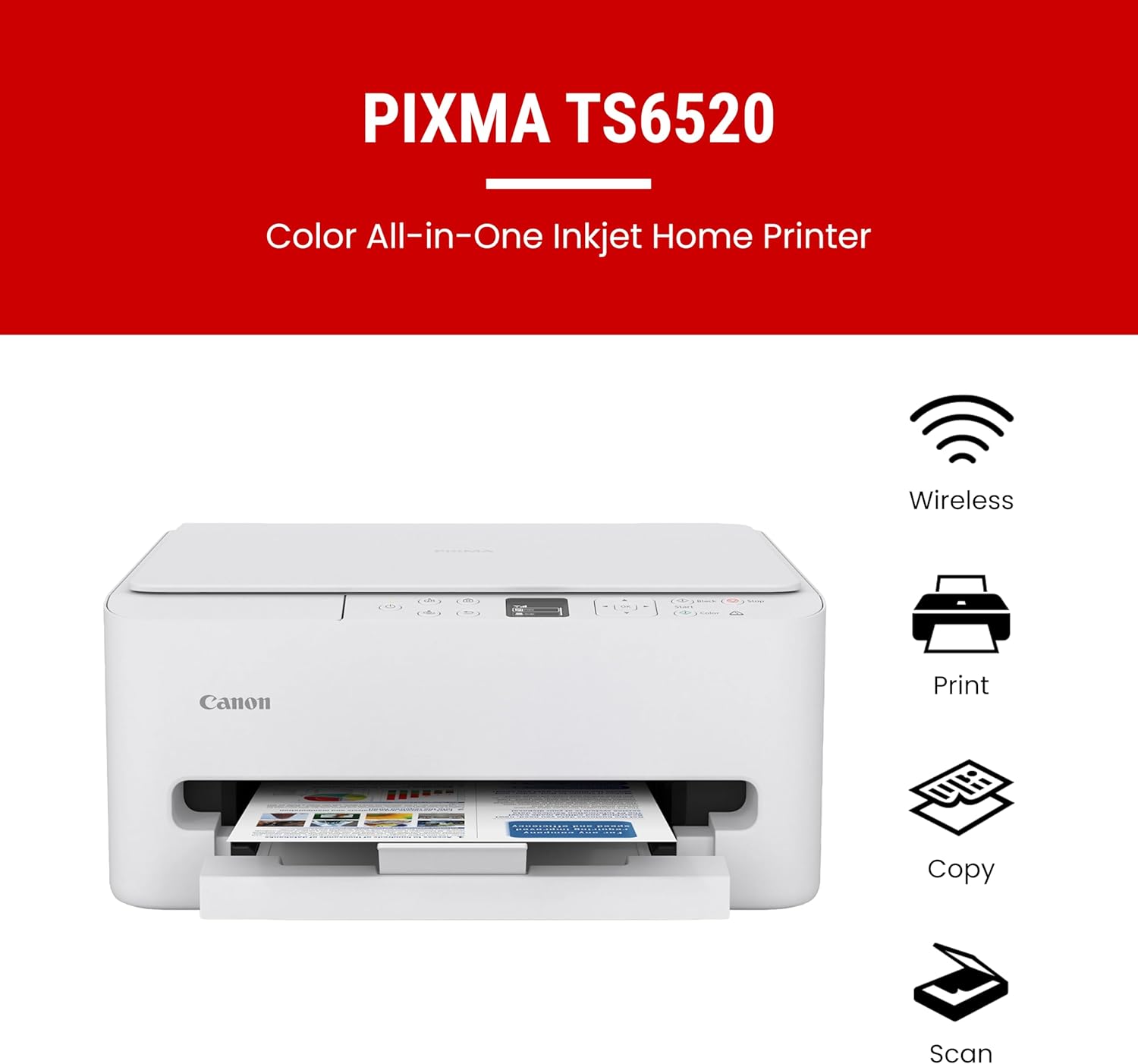



Canon PIXMA TS6520 Wireless Color Inkjet Printer Duplex Printing, White – Home Printer with Copier/Scanner, 1.42” OLED Display, Intuitive Control Panel, Compact Design
This is an affiliate link. Buyyyah may earn a commission if you buy through it, at no extra cost to you.
Description
About this item Affordable Versatility - A budget-friendly all-in-one printer perfect for both home users and hybrid workers, offering exceptional value Crisp, Vibrant Prints - Experience impressive print quality for both documents and photos, thanks to its 2-cartridge hybrid ink system that delivers sharp text and vivid colors Effortless Setup & Use - Get started quickly with easy setup for your smartphone or computer, so you can print, scan, and copy without delay Reliable Wireless Connectivity - Enjoy stable and consistent connections with dual-band Wi-Fi (2.4GHz or 5GHz), ensuring smooth printing from anywhere in your home or office Scan & Copy Handling - Utilize the device’s integrated scanner for efficient scanning and copying operations Save Time & Paper - Optimize your printing with automatic 2-sided printing, reducing paper consumption and speeding up your workflow Diverse Media Support - Print a wide range of documents and photos up to 8.5” x 11”, with or without borders, for all your creative and professional needs Intuitive OLED Display - Easily monitor ink levels, printer status, and adjust settings at a glance using the 1.42” Monochrome OLED screen Compact & Stylish - Designed to fit seamlessly into any workspace, its small footprint complements your environment without sacrificing functionality Convenient Mobile Printing2 - Print directly from your smartphone or tablet with popular services like the Canon PRINT App, Apple AirPrint, and Mopria Print Service Show more See more product details
Details
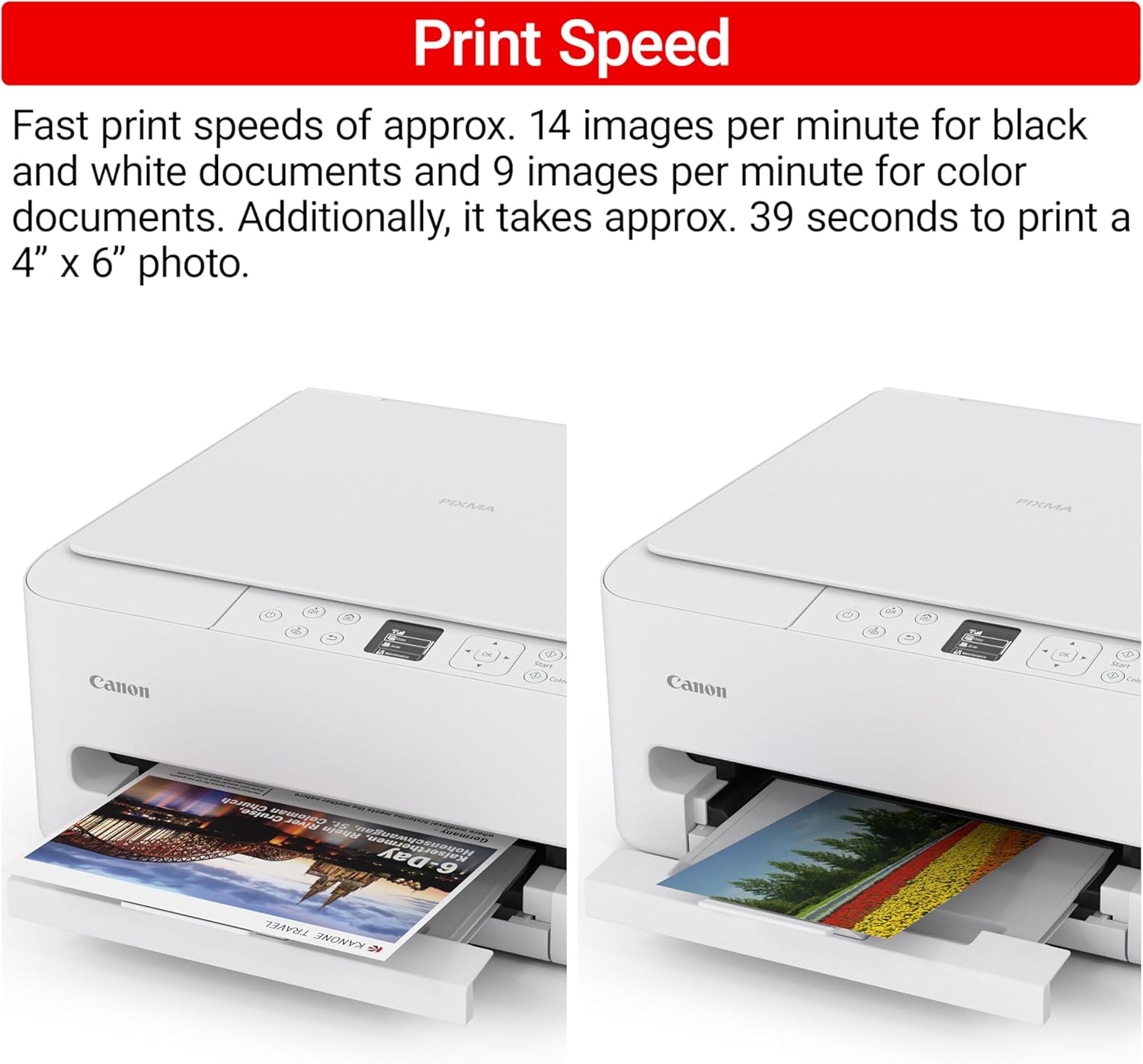
Product information Additional details Printer Type Inkjet Other Special Features of the Product Auto Document Feeder, Borderless Printing, Display Screen Printer Output Type Color Item Weight 15.4 Pounds Item Dimensions D x W x H 14.8"D x 14"W x 6.7"H Controller Type Amazon Alexa Print media Paper (plain) Scanner Type Flatbed Maximum Copy Speed Black and White 11 ppm Compatible Devices Laptops, PC, Smartphones, Tablets Warranty Type limited warranty EU Spare Part Availability Duration 1 Years Ink Color Cyan, Magenta, Yellow, Black Additional Printer Functions All In One, Copy, Scan Control Method Voice Compatible Cartridge PG-295 Pigment-Based Black Ink Tank & CL-286 Dye-Based Color Ink Tank (Cyan, Magenta, Yellow, Black) Number of Trays 1 Resolution 600 x 600 Display Type OLED Paper Handling Maximum Media Size Letter (8.5 x 11 inches) Maximum Sheet Capacity 1 Paper Size 8.5 x 11 Inches Connectivity Printer Connectivity Type USB, Wi-Fi Hardware Interface USB Total Usb Ports 1 Duplex Printing Dual-sided printing Yes Duplex Automatic Warranty & Support Feedback Item details Brand Canon Model Name PIXMA TS6520 Model Number 7179C002 Built-In Media PIXMA TS6520 Printer, Power Cord, Setup and Other Documentation, Starter Set of Ink Tanks (PG-295 BK & CL-286) Model Series PIXMA TS Specific Uses For Product Home/Office UPC 013803386400 Manufacturer Canon Warranty Description 3 Year Manufacturer Item Type Name Inkjet Printer Unit Count 1.0 Count Best Sellers Rank #244 in Office Products ( See Top 100 in Office Products ) #3 in Inkjet Computer Printers ASIN B0FMBTJLX6 Customer Reviews 4.4 out of 5 stars Print Speed Color Pages per Minute 9 ppm B&W Pages per Minute 14 ppm Initial Page Print Time 7.5 Black and 9.5 Color Seconds Color Color white Print Resolution Maximum print Resolution Color Up to 1200 x 1200 dpi Dots Per Inch Maximum Print Resolution Black and White Up to 1200 x 1200 dp Dots Per Inch Power Power Consumption 21 Watts Wattage 21 watts Copy Resolution Maximum Copy Resolution Color Up to 1200 x 1200 dpi Maximum Copy Resolution Black and White 600 dpi
Customer reviews
-

Almost seems too good to be true!
We've been struggling and struggling with our (different name brand) printer, and finally decided to just move on. While I have been trying my hardest to reduce, reuse, and recycle, my wife and I both work from home and we just couldn't go any longer without a reliable printer. We also didn't realize when we bought our old printer that it didn't copy or scan, which proved to be a big issue. Like, I had to drive around town to find a working copy machine a couple weeks ago like it was the 1980s, just to make one copy of an important document for work. This Canon PIXMA prints, copies, and scans, and we are thrilled with it so far. I can't believe what a great value this is, and I'm beyond happy with it so far. It couldn't have been easier to set up, and the instructions are clear and simple. I think it took less than ten minutes from the time I realized this had been delivered, to getting it open, plugged in, and working flawlessly. It connected to my laptop immediately, and I'm loving the simple design and overall convenience of this printer. I printed the test page and then one document from my laptop that featured both black and white print as well as a few color sections, and it looked perfect. It holds a decent stack of paper, and I'm optimistic that the ink life will be better than our last printer. Even if we decided to exclusively use Canon brand ink with this, it's more affordable than some of the other brand names out there. Also in my past experience Canon printers haven't been as picky when it comes to replacement ink as some, which is another reason I went with the PIXMA. This comes with introductory ink
We've been struggling and struggling with our (different name brand) printer, and finally decided to just move on. While I have been trying my hardest to reduce, reuse, and recycle, my wife and I both work from home and we just couldn't go any longer without a reliable printer. We also didn't realize when we bought our old printer that it didn't copy or scan, which proved to be a big issue. Like, I had to drive around town to find a working copy machine a couple weeks ago like it was the 1980s, just to make one copy of an important document for work. This Canon PIXMA prints, copies, and scans, and we are thrilled with it so far. I can't believe what a great value this is, and I'm beyond happy with it so far. It couldn't have been easier to set up, and the instructions are clear and simple. I think it took less than ten minutes from the time I realized this had been delivered, to getting it open, plugged in, and working flawlessly. It connected to my laptop immediately, and I'm loving the simple design and overall convenience of this printer. I printed the test page and then one document from my laptop that featured both black and white print as well as a few color sections, and it looked perfect. It holds a decent stack of paper, and I'm optimistic that the ink life will be better than our last printer. Even if we decided to exclusively use Canon brand ink with this, it's more affordable than some of the other brand names out there. Also in my past experience Canon printers haven't been as picky when it comes to replacement ink as some, which is another reason I went with the PIXMA. This comes with introductory ink
-
Outstanding Home Printer at a Budget Friendly Price
I really wanted a printer that could copy and print without tether to computers or phones and that had spectacular results. This printer does that in spades. Easy to set up, simple to use, intuitive, prints/copies/reduces and enlarges without need for wifi or other hardware. If you are looking for a budget priced inkjet color/B&W printer with easy setup, quick to connect to wifi, easy to use through your iphone or computer, that prints clear and detailed images, and documents, scans, and copies--as well as all that it does stand-alone--then you have hit the sweet spot in budget-priced printers. I have had this printer less than 48 hours and have tested it every way I know how and it works fine. Having said that, this is not an office printer pumping out hundreds of copies a day. This is a good printer and copier, but it probably would not handle the hundreds of scans and copies my large laser color copier does each and every day. Nor will it fax. For what I wanted it for, this printer is a bargain. Yes, I strongly recommend this printer for the uses I have described above.
I really wanted a printer that could copy and print without tether to computers or phones and that had spectacular results. This printer does that in spades. Easy to set up, simple to use, intuitive, prints/copies/reduces and enlarges without need for wifi or other hardware. If you are looking for a budget priced inkjet color/B&W printer with easy setup, quick to connect to wifi, easy to use through your iphone or computer, that prints clear and detailed images, and documents, scans, and copies--as well as all that it does stand-alone--then you have hit the sweet spot in budget-priced printers. I have had this printer less than 48 hours and have tested it every way I know how and it works fine. Having said that, this is not an office printer pumping out hundreds of copies a day. This is a good printer and copier, but it probably would not handle the hundreds of scans and copies my large laser color copier does each and every day. Nor will it fax. For what I wanted it for, this printer is a bargain. Yes, I strongly recommend this printer for the uses I have described above.
-
Great buym easy setup
This was crazy easy to set up on my Mac - I'm 75 (but mac savvy, don't stereotype) and it took me about 10 minutes. *The top video in the reviews shows the best method , it's excellent. I downloaded no bloated software at all. Might be a little trickier ona PC. It's not sturdily built as my very old HP but that one was quite expensive, and it really isn't particularly fast, but for that price I doubt you can do much better at this extremely affordable price point. . Caveat - the color isn't wonderful but I only have super-cheap paper at nand. I've ordered good quality paer and if that doesn't do the trick will knock a star off. Assume that id did if you don't see orgerwise.
This was crazy easy to set up on my Mac - I'm 75 (but mac savvy, don't stereotype) and it took me about 10 minutes. *The top video in the reviews shows the best method , it's excellent. I downloaded no bloated software at all. Might be a little trickier ona PC. It's not sturdily built as my very old HP but that one was quite expensive, and it really isn't particularly fast, but for that price I doubt you can do much better at this extremely affordable price point. . Caveat - the color isn't wonderful but I only have super-cheap paper at nand. I've ordered good quality paer and if that doesn't do the trick will knock a star off. Assume that id did if you don't see orgerwise.
-
So far, so good!
Just received it last week, but so far, so good. Installed onto our Windows laptops easily, almost as easily onto my iPhone. Haven't tried it yet with my husband's Android phone, Chrome laptop, or our Amazon Fire tablets. And it prints SO much faster and with MUCH sharper print quality, than our previous HP 8025 purchased 5 years ago which was painfully slow even in B&W, and kept losing wireless connection.
Just received it last week, but so far, so good. Installed onto our Windows laptops easily, almost as easily onto my iPhone. Haven't tried it yet with my husband's Android phone, Chrome laptop, or our Amazon Fire tablets. And it prints SO much faster and with MUCH sharper print quality, than our previous HP 8025 purchased 5 years ago which was painfully slow even in B&W, and kept losing wireless connection.